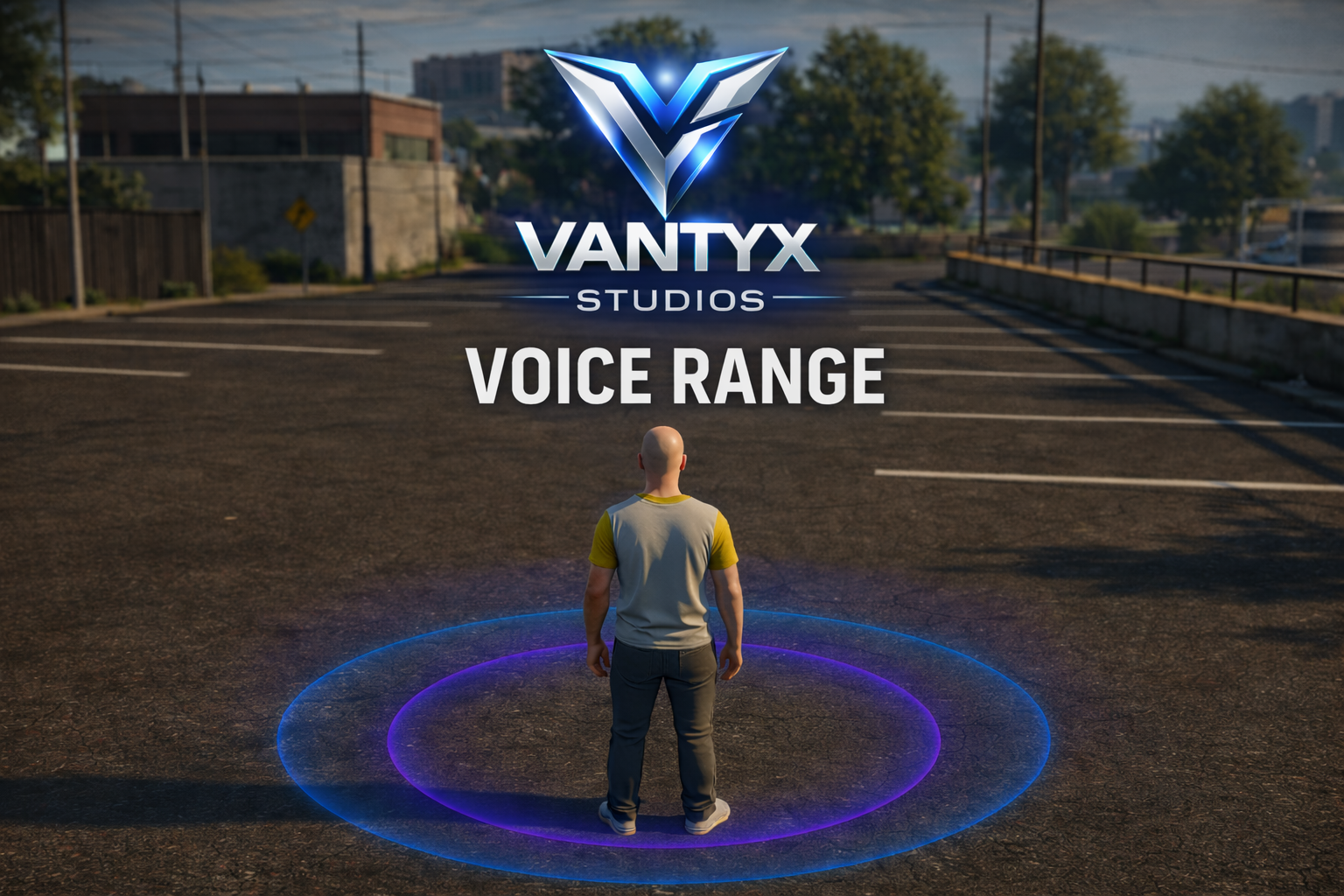
🎤 Vantyx Studios– Voice Range Marker for PMA Voice
💎 Clean • Lightweight • Professional
Description
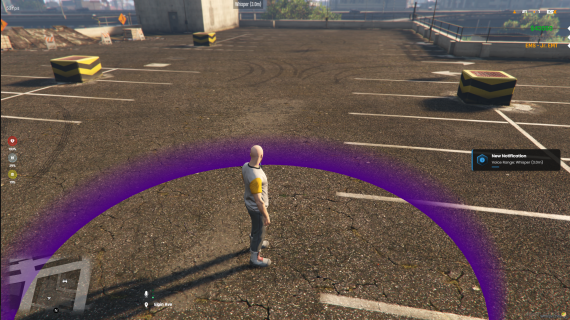
A modern and lightweight FiveM script that automatically displays a visual marker around your character whenever you change your voice range using PMA Voice.
Perfect for ESX servers that want a clean and professional voice range visualization without intrusive UI elements.
Features
🎯 Automatic PMA Voice Integration
Fully compatible with PMA Voice
Automatically detects native audio settings
No extra keybinds required
Reacts directly to PMA Voice range changes (F11 by default)
Dynamically adapts to configured PMA voice distances
🎨 Visual Marker System
Clean ground marker around the player
Displays the exact voice range size in real time
Automatically disappears after 500 ms (configurable)
Visible only to the player changing the range
Fully customizable color, size and position
🌍 Multi-Language Support
Multiple languages included
Easy language selection via config.lua
Fully localized notifications and messages
⚙️ Highly Configurable
Adjustable marker size and duration
Custom colors per voice range
Optional text above the player
Enable / disable notifications
Performance options for different server sizes
Installation
Download and extract the script
Place the folder inside your resources/ directory
Add ensure vantyx_voicerange to your server.cfg
Configure settings in config.lua
Restart your server
Requirements
Performance
Extremely lightweight
Runs only when voice range changes
Configurable sync intervals
0.00 ms idle usage
No continuous loops affecting performance
Usage
Make sure PMA Voice is installed and configured
The script automatically detects PMA settings
Press your voice range key (default F11)
The marker appears automatically for 500 ms
Example Configuration
Config.Locale = 'en' -- Language Config.ShowNotification = true -- Enable notifications Config.MarkerDuration = 500 -- Duration in ms Config.MarkerColor = "rgba(198,167,0,0.8)" -- Marker color -- Performance Config.SyncInterval = 50 Config.NativeAudioInterval = 500
Advantages
Support
Join our Discord for support and updates:
https://discord.gg/jahSKZB7sS
License
This script is licensed for private and commercial server use.
Resale or redistribution is not permitted.
💎 Perfect for servers that want a clean, realistic and performance-optimized voice range visualization — built with Vantyx Services standards.
[esx] [fivem] [escrow]